Image TOOL · FREE TO USE
Compress image to size
Meet a 50 KB, 100 KB or custom limit with verified output size.
Processed on your device. No file uploads.
PNG, JPEG or WebP. Up to 50 MB and 40 megapixels. You can also drop files here.
Did this tool do the job? Send feedback
This opens a draft in your email app. Nothing is submitted until you send it. Attachments are not added automatically.
Before you save
- 1 KB means 1,024 bytes here. Enter a slightly lower target if an external form uses a decimal KB limit.
- Lossy compression can blur fine text. Exact dimensions may require a larger limit. Transparency becomes white.
Common questions
Will the result always meet the limit?
A successful result is checked against the requested byte limit. If it cannot fit with your settings, the tool reports an error instead of returning an oversized success.
Can I save my settings?
Yes. Up to ten named presets are stored locally in this browser. Images are not saved.
ORIGINAL PRACTICE FILES · CHECKED 18 OCTOBER 2026
Worked example: a textured image under 100 KB
Prepare our 1,200 × 900 synthetic upload chart for a maximum 102,400-byte limit, while keeping its original dimensions. The texture deliberately makes the source harder to compress than a plain screenshot. It contains no personal information.
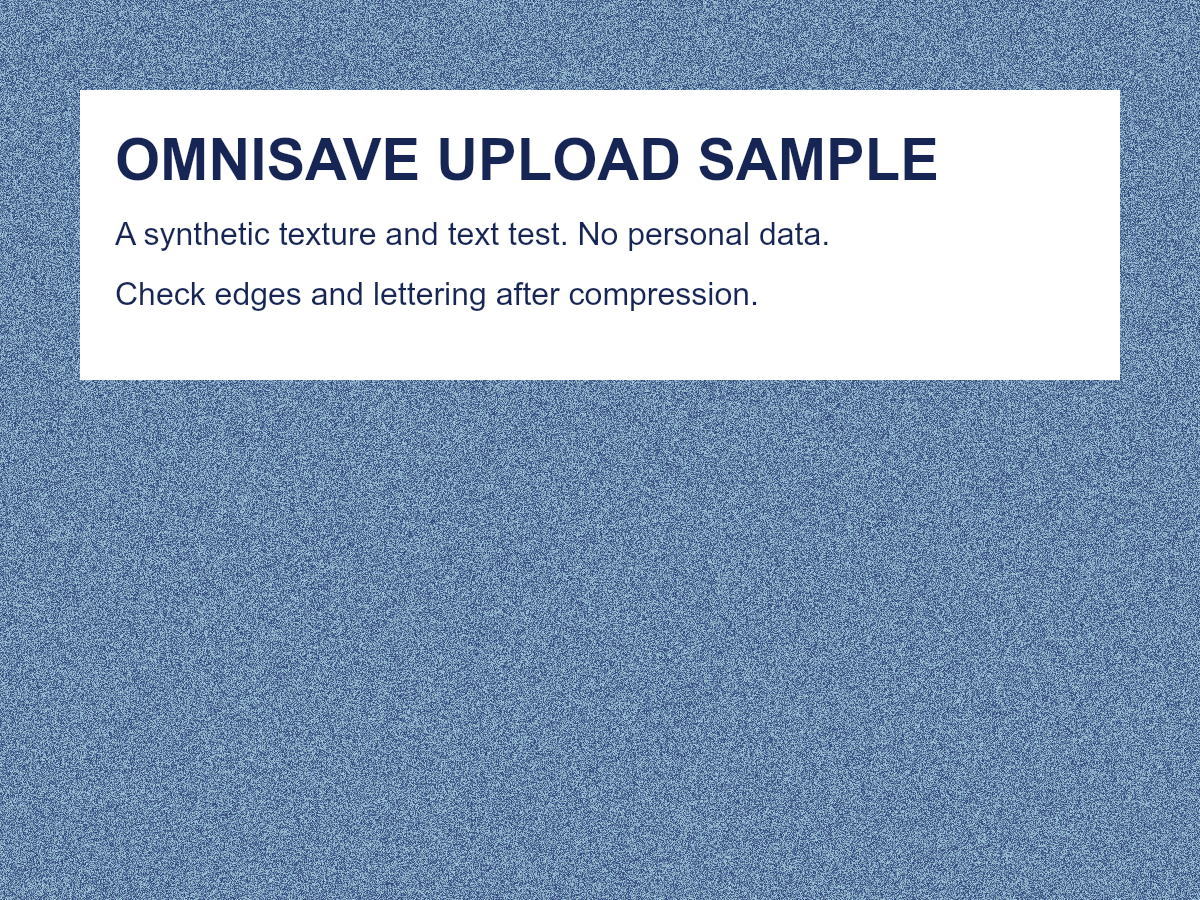
| Check | Original | Reference output |
|---|---|---|
| File size | 2,383,432 bytes | 98,655 bytes |
| Dimensions | 1,200 × 900 px | 1,200 × 900 px |
| Format | PNG | JPEG |
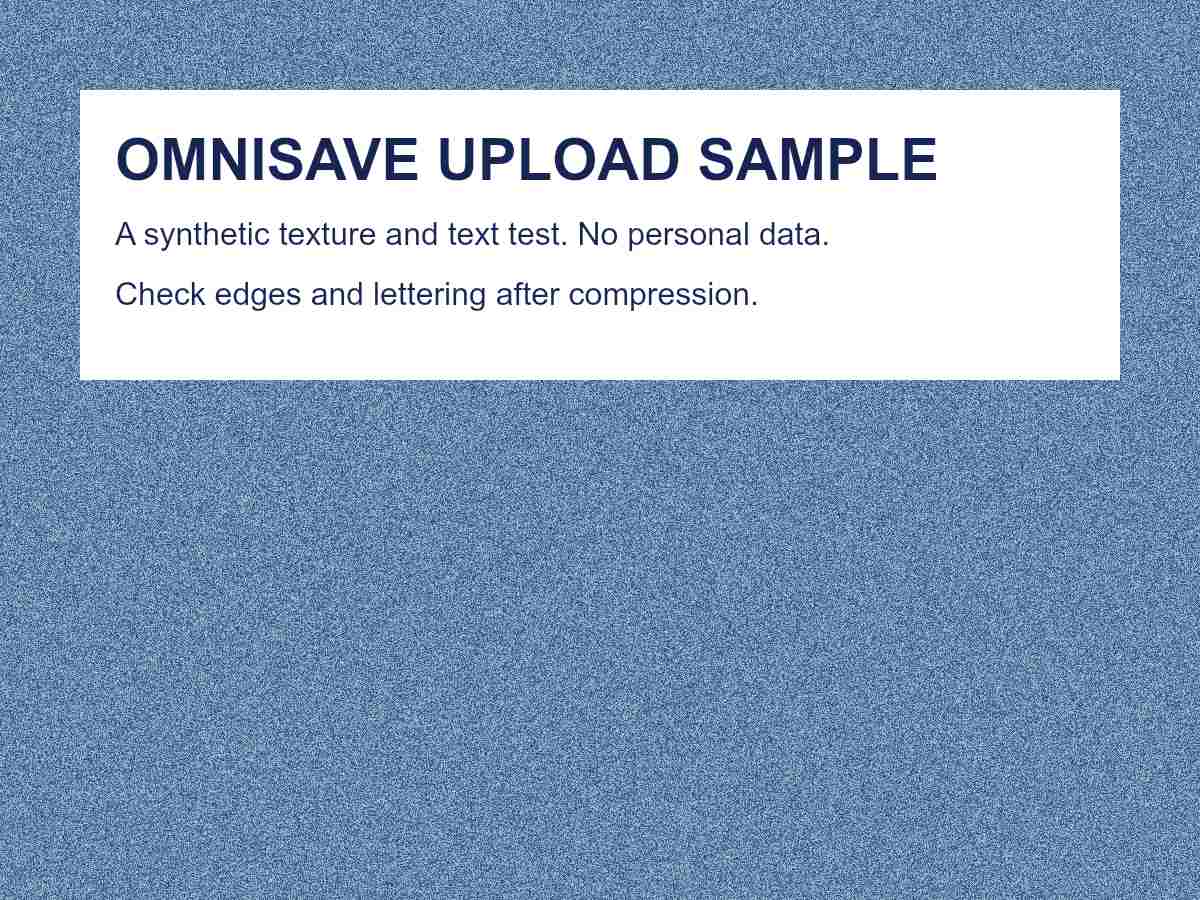
Reference method: Node.js 24; @napi-rs/canvas 1.0; production image preparation and PDF page helpers; PDF.js 6.4 reference renderer; Tesseract.js 7 English OCR. Browser encoders can produce different byte sizes. Read measured reference data · How we test and maintain these examples.
Keep working with your files
Need a little more context? Read the file guides or report a problem.