Image TOOL · FREE TO USE
Photo & signature preparation
Prepare application images with exact dimensions and file-size limits.
Processed on your device. No file uploads.
PNG, JPEG or WebP. Up to 50 MB and 40 megapixels. You can also drop files here.
Did this tool do the job? Send feedback
This opens a draft in your email app. Nothing is submitted until you send it. Attachments are not added automatically.
Before you save
- Disable dimension reduction when a form requires an exact width and height.
- Images preserve proportions; white padding is used when a crop does not match the output shape. This tool does not certify identity-photo compliance.
Common questions
Are the photo and signature presets official?
No. Different applications specify different requirements. Read your form and enter its exact values.
Can I reuse the same file in another tool?
Yes. Continue with the prepared image to OCR, PDF creation or another image workflow without choosing it again.
ORIGINAL PRACTICE FILES · CHECKED 18 OCTOBER 2026
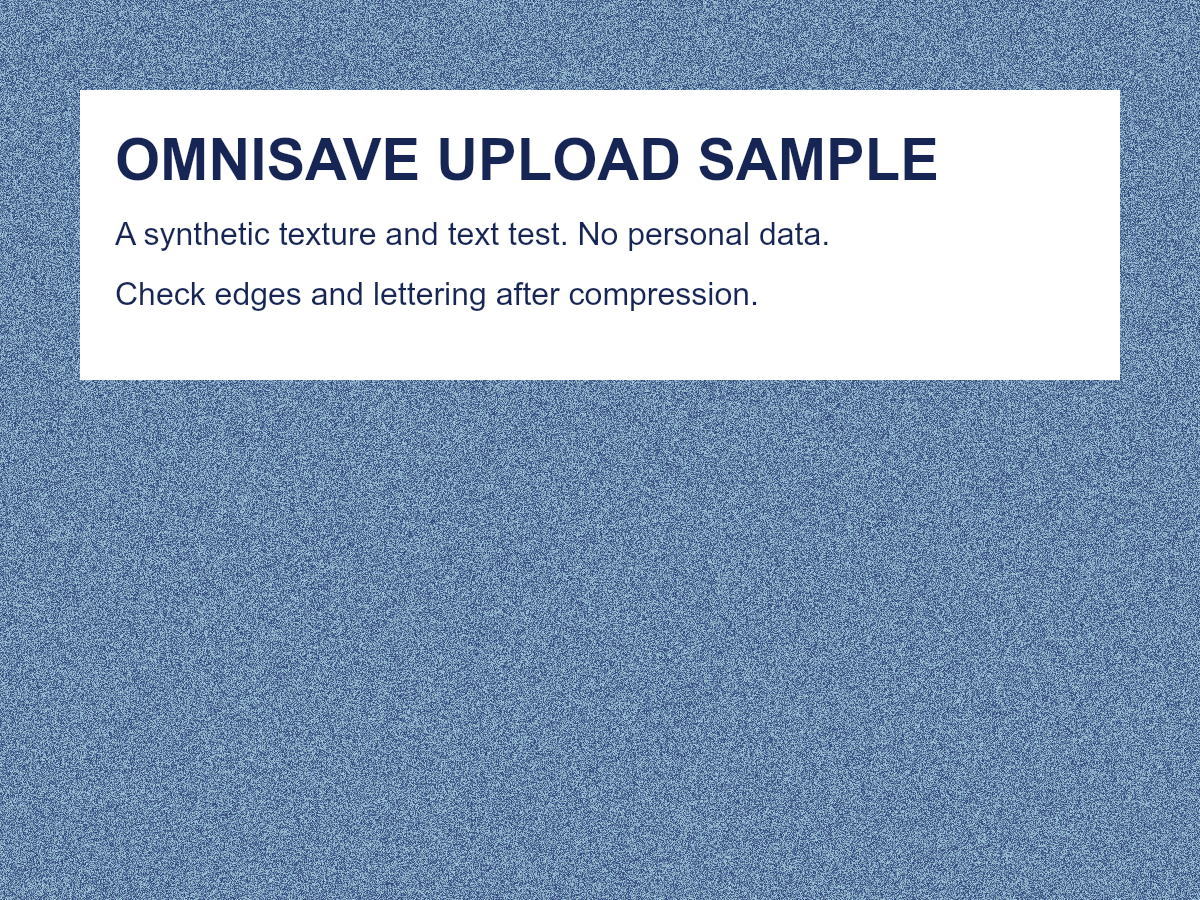
Worked example: exact 350 × 450 framing
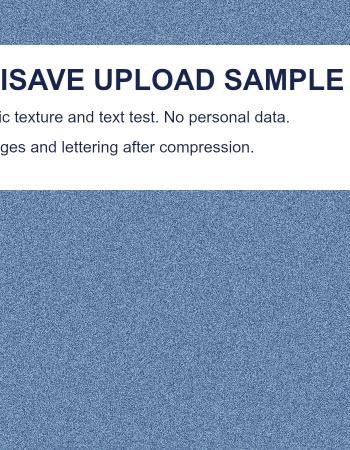
Fit a synthetic image into a 350 × 450 JPEG with a 100 KB limit. This is a dimension-and-crop exercise, not an example of an accepted passport or application photograph. The sample contains a chart rather than a real person or signature.
| Check | Original | Reference output |
|---|---|---|
| Dimensions | 1,200 × 900 px | 350 × 450 px |
| Crop rectangle | Full source | x=250, y=0, width=700, height=900 |
| File size | 2,383,432 bytes | 86,775 bytes |
Reference method: Node.js 24; @napi-rs/canvas 1.0; production image preparation and PDF page helpers; PDF.js 6.4 reference renderer; Tesseract.js 7 English OCR. Browser encoders can produce different byte sizes. Read measured reference data · How we test and maintain these examples.
Keep working with your files
Need a little more context? Read the file guides or report a problem.